#### **Main info:**
- `[Trix]` -> that's me (@nekotrix), join [ AV1 weeb edition](https://discord.gg/83dRFDFDp7)
`Koi Kaze` -> anime title, info on [ AniDB](https://anidb.net/anime/1675), [ MyAnimeList](https://myanimelist.net/anime/634), [ AniList](https://anilist.co/anime/634)
`S01` -> season number, following [ TheTVDB](https://www.thetvdb.com/series/koi-kaze)'s scheme
`Batch` -> contains the complete season
- `DVDRip` -> encode from a DVD source (here [WSE](https://nyaa.iss.one/view/1905414))
`480p` -> video resolution (712x478 @ ~23.976 VFR FPS)
`AV1` -> 📺 video format (Main + 4:2:0 + 10-bit = hardware friendly)
`Opus` -> 🔊 audio format (Stereo 2.0 @ 128/96kbps)
- `Dual Audio` -> 🔊 multiple audio tracks: **Japanese 🇯🇵 & English 🇺🇸**
`Multi Subs` -> 📄 multiple subtitles tracks including: **English (Full), English (Forced), French (Full)**
`VOSTFR` -> keyword to denote the presence of french subtitles
***
#### **Misc info:**
**Full Sources:** [WSE](https://nyaa.iss.one/view/1905414) (Video, Audio, Subs, Chapters), [Cervoz](https://nyaa.iss.one/view/718112) (Subs)
**Encoding details:**
- Encoder: [SVT-AV1-Tritium v3.1.2](https://github.com/Uranite/svt-av1-tritium) (based on [SVT-AV1-Essential](https://github.com/nekotrix/SVT-AV1-Essential/)) via Termux: `--preset 0 --crf 25`
- Command Line Used:
```
for file in *.mkv; do SvtAv1EncApp -i "$file" --progress 2 --preset 0 --crf 25 --tune 0 --film-grain 8 --min-keyint 33 --keyint 193 --scm 0 --alt-lambda-factors 0 --noise-norm-strength 0 --adaptive-film-grain 0 --kf-tf-strength 0 --qm-min 8 --qm-max 15 --chroma-qm-min 10 --enable-restoration 0 --noise-adaptive-filtering 0 --ac-bias 1.0 --tx-bias 3 --complex-hvs 1 --hbd-mds 1 --variance-boost-strength 2 --variance-octile 7 --luminance-qp-bias 5 --fast-decode 2 --enable-dlf 3 --cdef-scaling 12 --color-primaries bt709 --transfer-characteristics bt709 --matrix-coefficients bt709 -b "${file%.*}.ivf"; done
```
> **Tired of VLC acting up with Opus audio, with subtitles, with color rendition? We recommend the _MPV_ media player for the best playback experience ([TheWiki Guide](https://thewiki.moe/guides/playback/)). Always keep your software up-to-date!**
> **Direct Download Link:** [Episodes DDL, attachments download & more](https://animetosho.org/view/n2096396) on AnimeTosho
**Language Options**
You can [download here](https://mega.nz/folder/kcQhWZCA#c4wfvx2RXI9XN8XeBso09g) two scripts that do the following (Windows/macOS-Linux):
- *Keep Japanese*: Throws out all audio tracks other than Japanese
- *Keep English*: Throws out all audio and subtitles tracks other than English
Put all the video files into the *Language Options* folder and run the corresponding script. The resulting files can be found in the *output* folder.
Note: [MKVToolNix](https://mkvtoolnix.download/downloads.html) must be installed on your system
***
#### **Screenshots:**
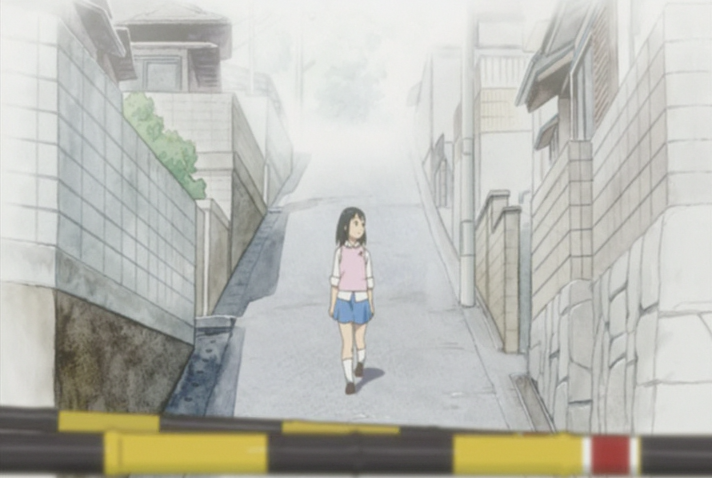



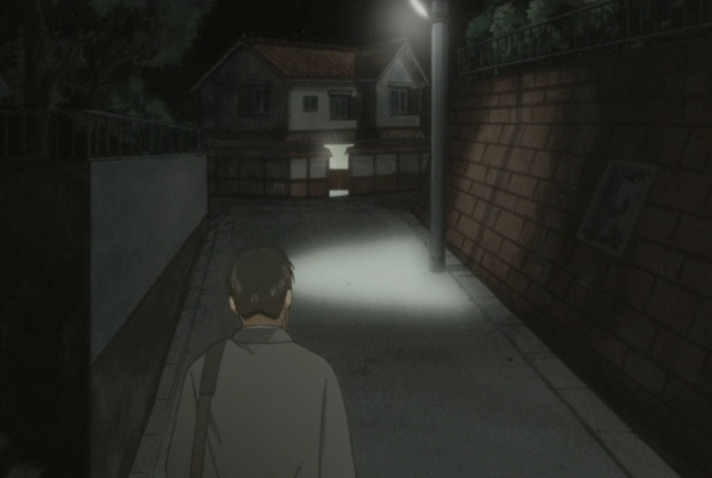
Comments - 1
andryzoun